

Shopify vs a custom website: an honest guide for Australian businesses
Shopify suits most Australian online stores, but not all of them. Here is what it handles well, where its real limits are, what a custom build costs to own, and the middle paths that often beat both.
Fady Ilias
Director, Web Divine

"Should we just use Shopify, or build something custom?" It is one of the first questions we hear from businesses planning to sell online, and many of the answers online come from someone selling one side.
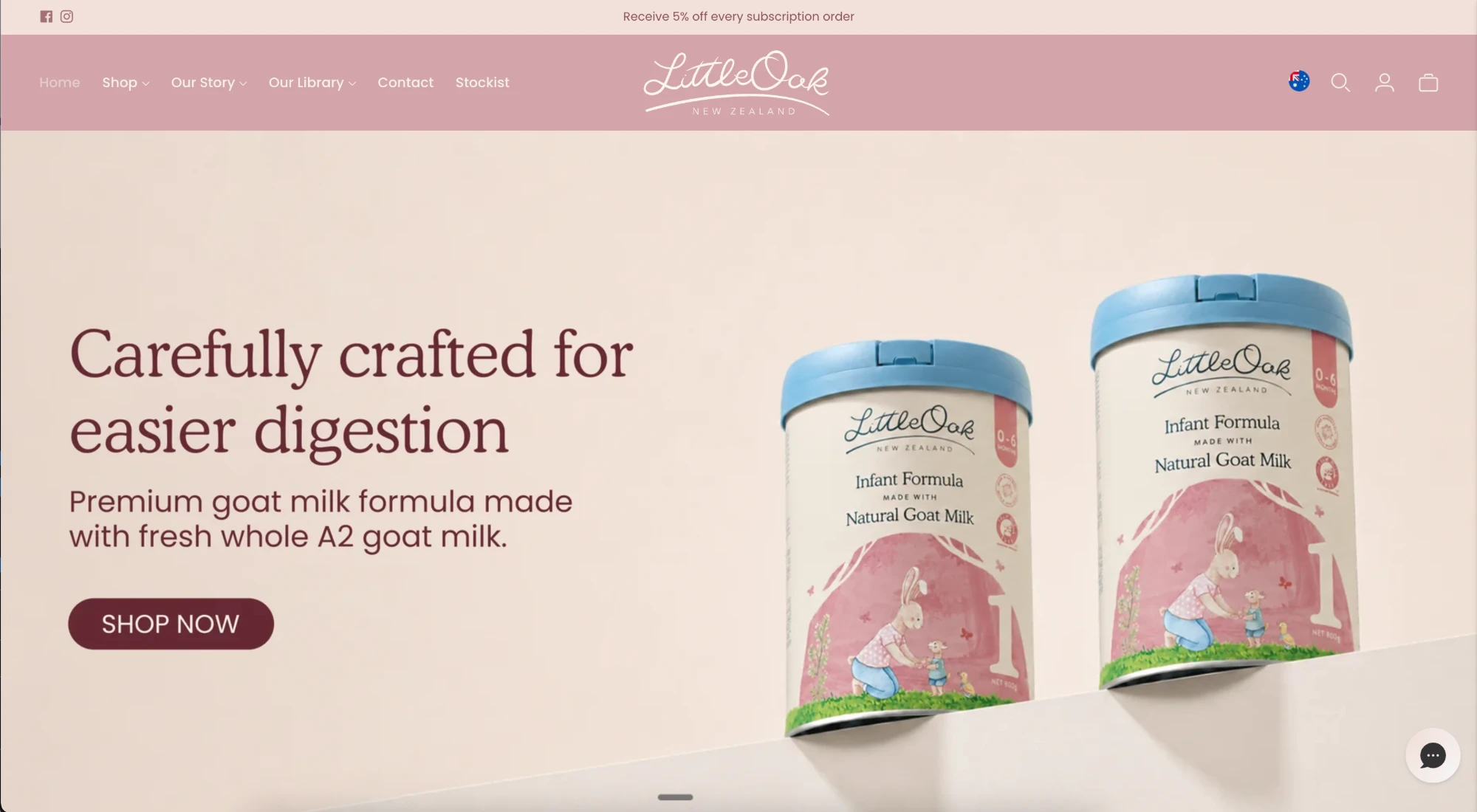
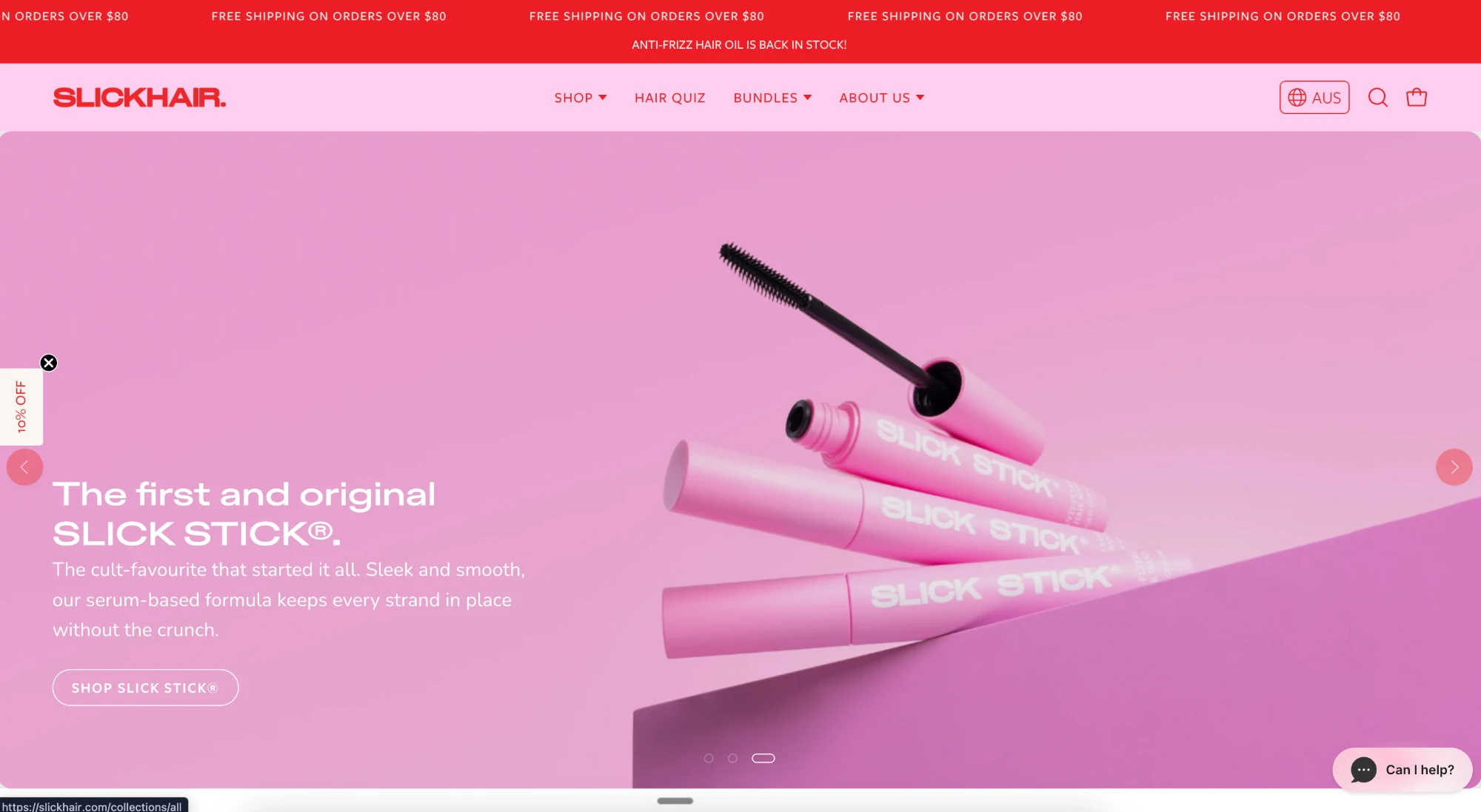
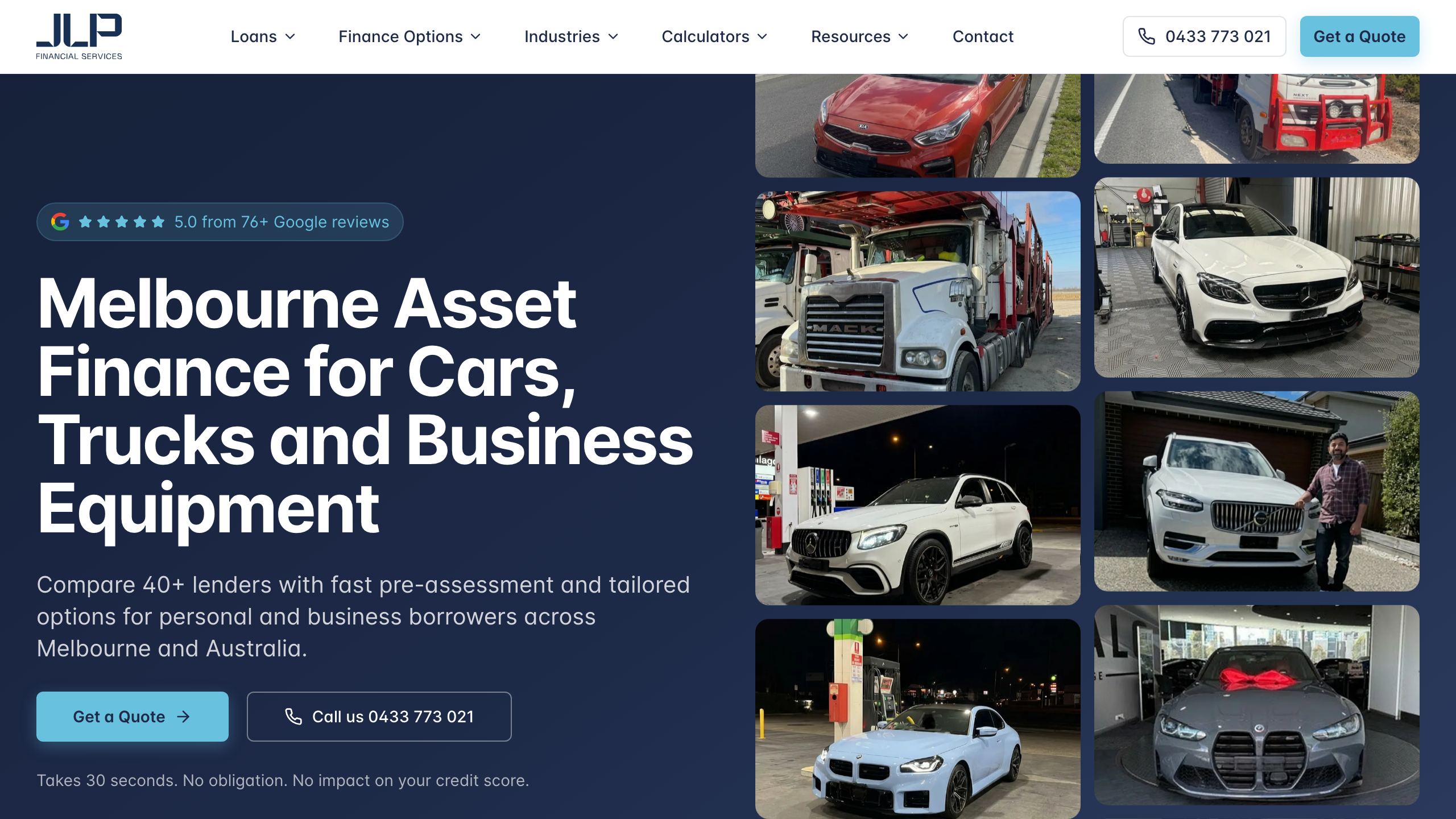
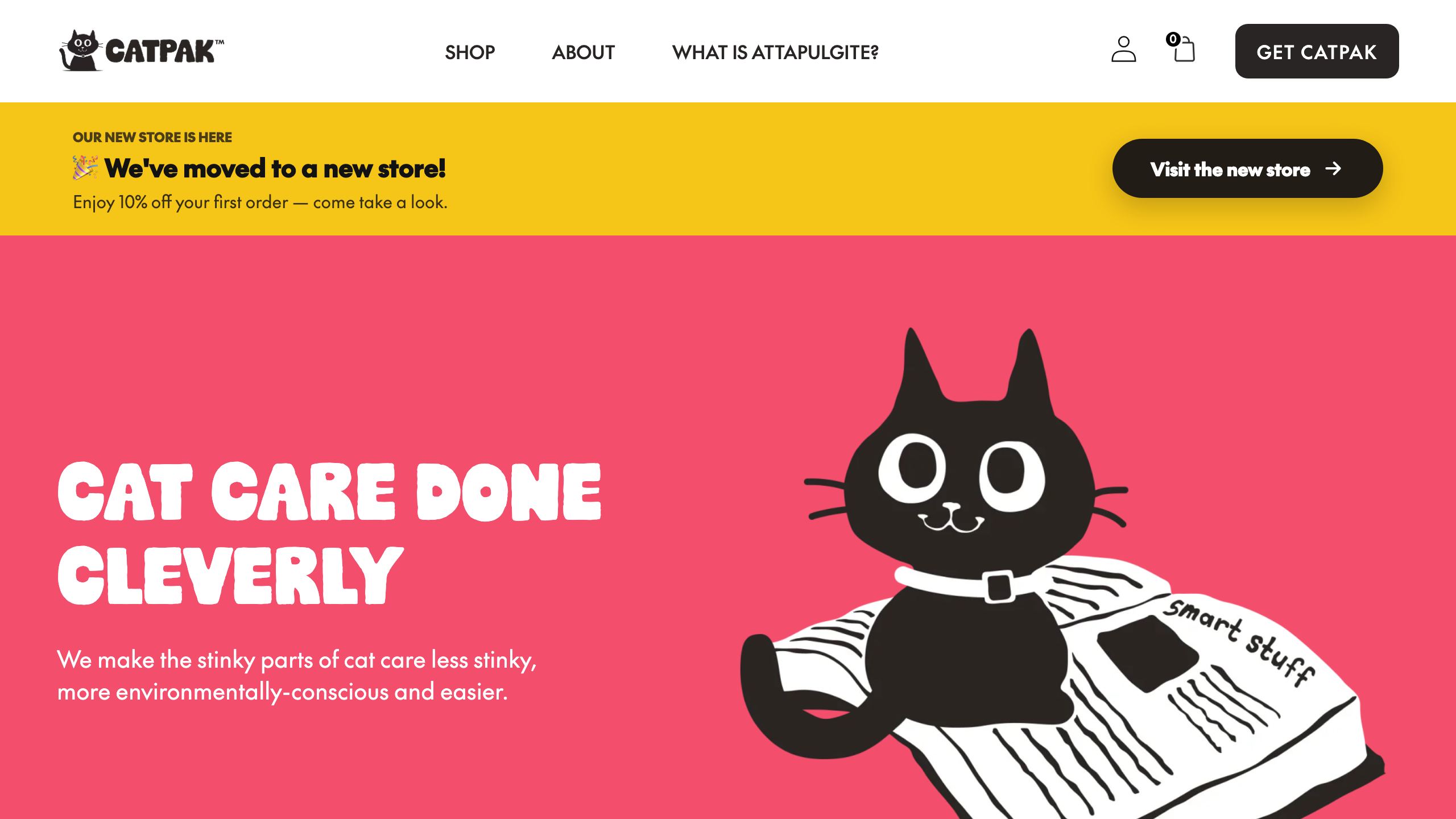
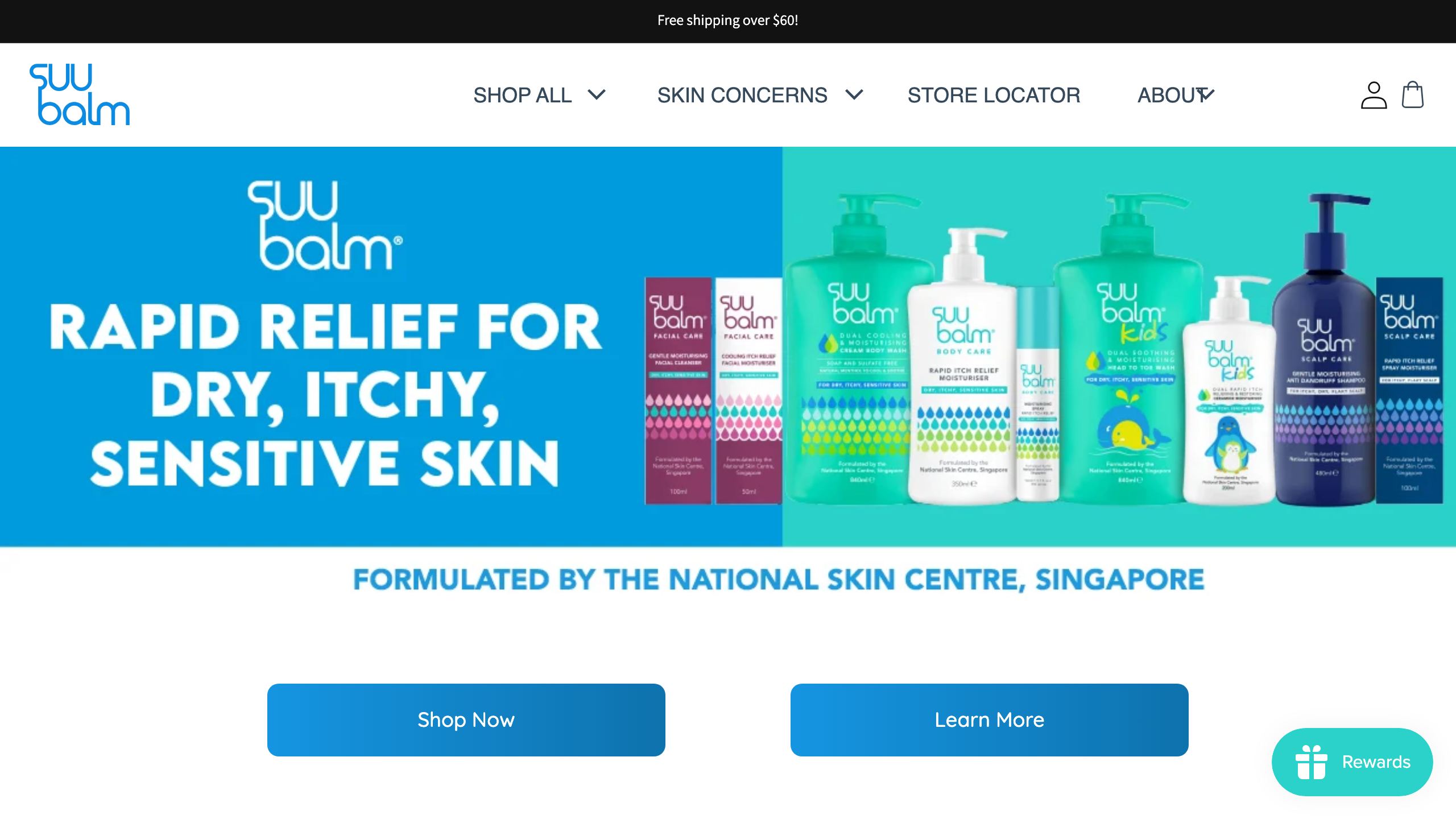
We build both. We have built Shopify stores for brands including The Little Oak Company, Tamburlaine Organic Wines, Slick Hair and SuuBalm, and we build custom React applications when a project needs one. Here is the honest version.
Plan prices and features checked against Shopify's Australian pricing page and documentation on 7 October 2026. Shopify changes both regularly, so confirm before you commit.
The short answer
For most Australian businesses selling products online, Shopify is the right foundation. A custom build earns its place when the thing that makes your business different is the thing Shopify can't do: unusual product logic, checkout behaviour beyond what the platform allows, or a "store" that is really part of a larger application.
And it is rarely all or nothing. Many "we need custom" requirements can be met with a custom theme on Shopify, or Shopify with a small custom app.
What "custom" actually means
Three quite different things get called custom:
- A custom Shopify theme. Still Shopify underneath, but designed and built around your brand rather than a template.
- Headless. Shopify runs products, orders and checkout behind the scenes, while a separately built front end (for example React, or Shopify's own Hydrogen framework) is what customers see.
- Fully custom. Your own application, database, admin and payment integration, with no commerce platform underneath.
Each has a very different cost and maintenance profile, so it is worth being clear which one you mean.
What Shopify handles well
- Hosting, security and compliance. Shopify says it is certified Level 1 PCI DSS compliant, with stores PCI compliant by default. Hosting, bandwidth and SSL are included.
- Checkout. It is built, tested and maintained for you. Shopify claims its checkout converts 15% better on average than other platforms; treat that as the vendor's own figure, but checkout is one of the hardest parts of a store to build well yourself.
- Payments and fees. Shopify Payments works with Australian cards, and costs are published and predictable.
- Operations. Inventory across multiple locations, multi-currency selling through Shopify Markets, and basic B2B on every plan.
- The ecosystem. Reviews, email, shipping, subscriptions and loyalty are usually an app install rather than a development project.
Here is what the plans cost in Australia:
| Plan | Monthly price, billed monthly | Monthly price, billed yearly | Online card rate (standard) | Fee with a third-party payment provider |
|---|---|---|---|---|
| Basic | $56/mo | $42/mo | 1.7% + 30c | 2% |
| Grow | $149/mo | $114/mo | 1.55% + 30c | 1% |
| Advanced | $575/mo | $431/mo | 1.35% + 30c | 0.6% |
| Plus | From $3,700/mo on a 3-year term, $4,000/mo on a 1-year term | n/a | 1.15% + 30c | 0.2% |
AUD, from Shopify's Australian pricing page and Shopify Plus pricing. Shopify says more complex, higher-volume Plus businesses move to a variable platform fee based on revenue.
Where Shopify's limits really are
Checkout customisation
Every plan gets the checkout editor and apps that customise the thank you and order status pages. But apps that change the information, shipping and payment steps, and the Checkout Branding API, are Plus only. If you need custom logic in the middle of checkout, you are having a Plus conversation.
Custom business logic
Shopify Functions let developers change discounts, delivery and payment options, cart validation and bundles. Any plan can use public App Store apps that contain functions, but only Plus stores can use custom apps containing Shopify Functions. Bespoke discount or shipping rules written just for you need Plus, or an off-the-shelf app that happens to fit.
You also follow Shopify's roadmap. Shopify Scripts, an older way to customise cart, shipping and payment logic, stopped running on 30 June 2026, and stores that relied on them had to move that logic to Functions.
B2B and wholesale
B2B is no longer Plus-only: Basic, Grow and Advanced can assign up to three active B2B catalogs. But assigning catalogs directly to individual companies for customer-level pricing, deposits, partial payments and payment requests per fulfilment are Plus only. For a wholesaler with a price list per account, that is usually the tipping point.
Complex products
Shopify allows up to 2,048 variants and three options per product. Beyond that, Shopify itself points you to apps or custom theme code. A simple engraving field is easy; a true configurator with live pricing, dependencies and validation is where a custom app or headless build starts to make sense.
Subscriptions and app costs
Subscriptions run through apps. Shopify's own Shopify Subscriptions app is free, while build-your-own boxes or complex billing often means a paid third-party app.
That points to the cost people underestimate most. Developers set their own app prices, billed on a recurring, per-use or one-time basis through your Shopify bill. A handful of monthly apps can cost more than the plan itself, and many add code to your storefront that can slow it down. Review the list at least once a year.
What a custom build really costs you
Building is the visible part. As a guide, a Shopify store in Australia typically costs $8,000 to $30,000+ to build, while custom web apps and platforms start from around $20,000 and scale with complexity. Our website cost guide explains what moves those numbers.
Owning it is the part people miss. With a fully custom store, you or your developer are responsible for:
- Hosting, uptime and scaling, including the day your sale goes viral.
- Security patches and dependency updates, indefinitely.
- Payment compliance. Stripe's security guide notes that PCI compliance is a shared responsibility, and a business accepting payments must attest to it annually. Using a payment provider's low-risk payment form reduces those obligations; handling card data yourself can mean meeting more than 300 PCI DSS security controls.
- Every feature Shopify includes: discount codes, gift cards, abandoned cart emails, customer accounts, tax settings and reports all have to be built or integrated.
Headless sits in between, with its own trade-off. Hydrogen storefronts can be hosted on Shopify's Oxygen at no extra charge on paid plans, but App Store apps that add features through your theme are designed for Online Store 2.0 themes, so on a headless front end those features generally have to be rebuilt or connected through an API. You are maintaining two systems instead of one.
Total cost of ownership over three years
| Shopify, custom theme | Shopify + custom app | Headless on Shopify | Fully custom | |
|---|---|---|---|---|
| Upfront build | Lowest | Moderate | High | Highest |
| Monthly running costs | Plan, apps, card fees | Plan, apps, card fees | Plan, apps, card fees | Hosting, services, card fees |
| Ongoing development | Light | Moderate | Ongoing | Highest |
| Security and checkout | Shopify | Shopify | Shopify | You and your payment provider |
| If your developer leaves | Easy to replace | Manageable | Harder | Hardest |
Over three years, the Shopify paths cost mostly predictable monthly amounts plus occasional development. Custom costs are front-loaded, then never quite stop. Even a small custom app needs upkeep: Shopify releases a new API version every three months and supports each for at least 12 months.
Custom usually wins on cost only when Shopify's limits would force expensive workarounds: paying for Plus to unlock a single feature, stacking apps to do what one piece of code could, or contorting the business to fit the platform.
Choose Shopify if, choose custom if
Choose Shopify if:
- You sell products with fairly standard options and pricing.
- Your edge is your brand, products and marketing rather than unusual software.
- You want predictable costs and nobody on call for servers.
- You don't have a developer on staff.
Choose custom (or headless) if:
- Your product logic is the product: configurators, quoting or dimension-based pricing that apps can't handle.
- The store is part of a larger platform, such as a portal, marketplace or membership system.
- You need checkout behaviour that even Plus can't support.
- You have budget for ongoing development, not just the build.
The middle path to consider first
Before you choose a full custom build, check whether one of these solves the problem:
- A custom theme on Shopify gives you a distinctive, fast storefront with Shopify's checkout, admin and app ecosystem intact.
- Shopify with a custom app keeps Shopify running the store while a private app handles the one unusual thing, such as syncing with an ERP, a quoting tool or trade pricing rules (Functions in custom apps need Plus).
- Headless on Shopify suits content-heavy brands or unusual shopping experiences, provided you accept the extra maintenance.
Our take
Most businesses asking "Shopify or custom?" are really asking "will Shopify box us in?" For the large majority, no, and the money saved is better spent on marketing. When the answer is yes, it is usually one or two specific requirements, and those can often be solved with a custom app rather than rebuilding everything.
Keep reading: Shopify vs WooCommerce for Australian stores and how much a Shopify store costs in Australia.
Weighing up Shopify against a custom build? We build both Shopify stores and custom web apps, so talk to us and we will tell you plainly which one fits, including when the answer is the simpler option.
Sources
- Shopify pricing (Australia) and Shopify Plus pricing, Shopify
- Customizing and editing your checkout and accounts pages, Shopify Help Center
- Shopify Functions, Shopify developer docs
- Shopify Scripts deprecation, Shopify developer changelog
- Shopify B2B features by plan, Shopify Help Center
- Adding variants, Shopify Help Center
- Subscriptions, Shopify Help Center
- Third-party charges on your Shopify bills, Shopify Help Center
- Hydrogen and Oxygen fundamentals and theme app extensions, Shopify developer docs
- API versioning, Shopify developer docs
- Integration security guide, Stripe
Written by
Fady Ilias
Director, Web Divine
Fady Ilias is the director of Web Divine, a senior-led web design and development studio in Melbourne. He works hands-on with Australian businesses on conversion-focused websites, Shopify stores and custom web apps - senior people on every project, no junior hand-offs.
More about Web DivineKeep reading
More insights

Shopify vs WooCommerce for Australian Stores
Both platforms can run a great store. The right choice comes down to who owns the maintenance, what your total cost of ownership really is, and how you plan to grow.

Migrating to Shopify Without Losing Your SEO
Replatforming to Shopify is where hard-won rankings get quietly destroyed. Here's the checklist we use to move stores across without losing traffic.

Shopify is retiring script tags: what store owners need to do before March 2027
Since 1 October, Shopify apps can no longer add script tags, and on 1 March 2027 existing ones stop loading altogether. Here is what that could break on your store, and how to check before it does.













Let's talk about your project
Book a call with the people who would actually build it. You'll get straight answers on scope and timeline, and a fixed quote once the project is scoped.